


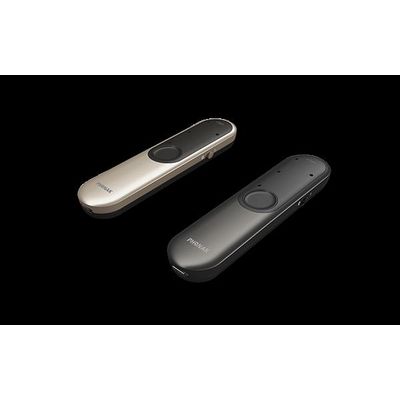
Model Roger On -Microphone
Table mode
In meetings or at a dinner, place Roger On microphone on the table. The MultiBeam 2.0 Technology creates a stereo beamformer and a stereo sound. This makes it possible for the client to know where the sound is coming from.
Pointing mode
Pointing mode 2.0 uses three microphones in a row allowing the user to zoom in on the person talking where noise is present or in a group conversation where there is a distance to a talker. This mode can be used when the microphone is held in the hand or placed on a table.
Presenter mode
In meetings or lectures the presenter can wear Roger On as a lapel microphone. It is easily attached with a clip or lanyard. Thanks to the internal accelerometer, Roger On knows what position it is placed in and will automatically pick up the voice of the speaker regardless of position.
Streaming audio
Roger On can be connected to a laptop or TV’s audio output and the sound is streamed to the hearing aids.