

- Home
- Companies
- Destruct Data, Inc
- Services
- Technical Support Services
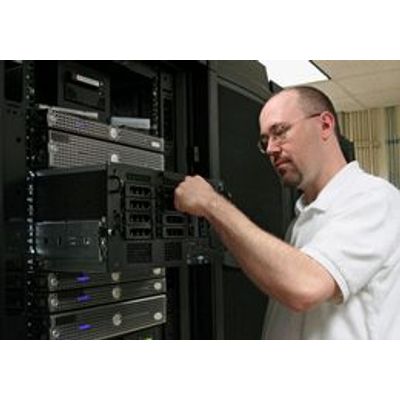
Technical Support Services
Remote support direct to your destruct data erasure system. 1. Download And Install: Click on the Remote Support button below to download and install the remote access client. 2. Generate The Secure Session Password: Click on your desktop icon to initiate a direct support session. The interface shown in Figure 1 will appear. Click on the `Show My PC Now` button to generate the session password. The password will be shown in the window to the right of the button (Figure 1).
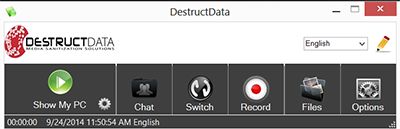
3. INITIATE THE SECURE SESSION: Click on your desktop icon to initiate a direct support session. The interface shown in Figure 1 will appear. Click on the "Show My PC Now" button to generate the session password. The password will be shown in the window to the right of the button (Figure 2).
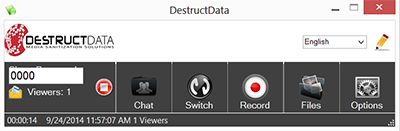
4. CONTACT TECH SUPPORT: Once the password is generated, the fastest way to initiate a session with a support technician is to call 800-781-4799 ext. 2.