


DPSI - Asset Management with CMMS
Effective asset management strategies enable organizations to prevent unnecessary downtime and lower costs. Computerized maintenance management software (CMMS) helps companies put their best foot forward when it comes to managing assets. Learn how to enhance your asset management with CMMS software.
There are countless ways CMMS software simplifies asset management and enhances productivity. One of the most important software features is the ability to stay on top of preventive maintenance. Neglecting to perform routine maintenance on a piece of equipment can lead to its premature failure. In order to reach an optimal lifespan, a standardized preventive maintenance plan should be implemented for each asset.
- All work orders associated with an asset
- All parts and procedures associated with an asset
- Schedules set up for an asset
- General ledger accounts
- Asset status and location change
- Recurring and non-work order related costs
- Date purchased
- Warranty tracking
- Seasons
- Repairs and equipment downtime
- Attachments and comments
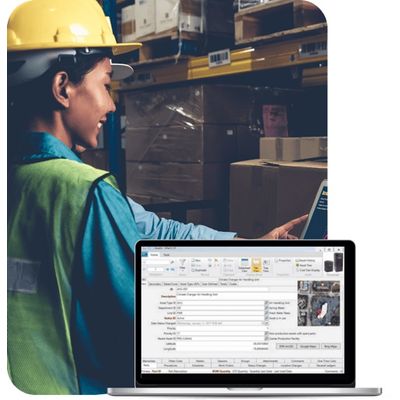
In addition to entering standard information, you can set up user-defined fields for all assets and specifications by asset type in iMaint.
The asset tree displays each asset and its parent or children. Other asset options include asset types, asset locations, asset groups, meter types, meter updates and lines.
Group similar vehicles together within a Unit Group to save time scheduling the group for work that can be performed on each vehicle at the same time.