


OpenGov
SEMS - Mobile Work Order Management Software
FromOpenGov
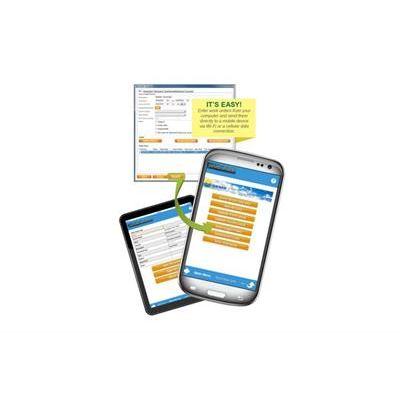
Streamline Your Work Order Process with a PAPERLESS Solution; SEMS Mobile; Work Orders directly integrate into your Asset Management System by electronically dispatching the work order to the field technician`s device via Wi-Fi or a Cellular connection. Technician`s will receive the work order immediately giving them the ability to review, complete, and submit it back to SEMS eliminating the need of administrative paperwork. If the technician sees an item that requires a work order it can be created in the field. No internet connection? No problem, the system securely stores your data on the device until the technician returns to a connected location.
Most popular related searches
work order management
asset management system
scanning electron microscope
auto detailing
field data
security system
- Connectivity & Compatibility: Connectivity is only needed to receive and send work orders since they are directly stored on the device. This gives you the ability to run either Cellular or Wi-Fi ONLY. Device options are either smartphones or tablets running the Apple iOS™ or Android™ operating systems.
- Dispatch: Work orders can be received on your device either immediately in the field via cellular data plan or synced once you have connectivity through Wi-Fi. Upon receipt, technicians have the ability to review, complete, and submit work orders back to SEMS. After submission, completed work orders will be updated automatically in SEMS.
- Field: Technicians have the ability to create their own work orders directly from their field devices. These work orders can be sent in for supervisors/management for approval or completed immediately out in the field.
- Additional Features Include:
- Images/Videos
- Electronic Signature
- Parts Used
- Talk-to-text for notes
- Asset/Equipment used
- Additional costs
- Labor hours
-
Mobile Forwarding: Technicians have the ability to forward work orders to other technicians to assist with multiple step projects. Work orders come back to SEMS each time it is forwarded, updating the software with history details.
-
Auto-Dispatching: Automatically dispatch work orders to technicians based on the scheduled date.