


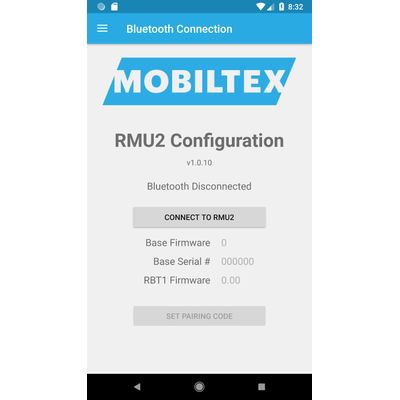
Mobiltex - Version 1.0.13 -RMU2 Configuration Apps
This app is for configuring the corTalk® RMU2 (Remote Monitoring Unit 2) with a Bluetooth configuration interface. Both the RBT1 or RMU123PGM are compatible. They both function as a complete RMU2 programming interface but only requires the Bluetooth connection of your phone to use.
*** Requires a corTalk® RBT1 or RMU123PGM and RMU2 to use. ***
Contact us at `sales.rmu2@mobiltex.com` to purchase.
The RMU2 is used to monitor a cathodic protection rectifier with accurate measurement of a wide variety of signals. This app allows access to diagnostic information on the RMU2 and setting up the configuration to meet the customer`s needs.
The app allows full configuration of the RMU2 including
- slot measurement types
- limits
- slot scaling and offset
- location
Other features include the
- viewing of readings and their limits
- detailed status screen for troubleshooting
- integrated manual
- wiring diagrams for each measurement type
The RBT1 and RMU123PGM is always in a Bluetooth pairing mode and requires a pairing code entered on the app. The pairing code (default=123456) can be found and changed with the app. Once paired, the iOS device can reconnect without needing to re-enter the code. The RBT1 pairing code can be reset by tapping the RBT1 5 times in 10 seconds with a user-supplied magnet.
Updated firmware:
- RBT1 v1.09
- RMU123PGM v1.12
- RMU2 v28
- Manual v123
- New programmer fir
The developer, Mobiltex Data, indicated that the app’s privacy practices may include handling of data as described below. For more information, see the developer’s privacy policy.