


MonitorPro - Software For Environmental Monitoring

MP-Web includes a rich set of features to help you meet your environmental regulations and avoid non-compliance, these inlcude:
- Manage Obligations.
- Dashboards.
- Security.
- Visualisation.
- Email Processor.
- Reporting.
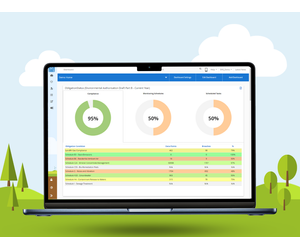
Centralise obligations, permits and policies, and link them to their related conditions and requirements. Managers can see current compliance against obligations at a high level while administrators and technicians can review and manage compliance at a point-by-point level.
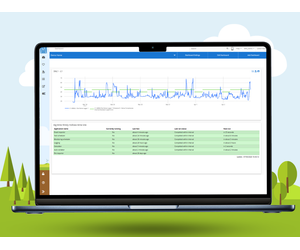
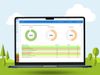
User configurable dashboards enable simple and effective sharing of your data. Report permit/ obligation performance, alerts, maps, and graphical output. Data is automatically refreshed, ensuring the data is always the latest available in the system.
Secure login and named user accounts enables administrators the ability to tailor individual data access. Provide external stakeholders access to specific elements with roles defining abilities to change or edit data.
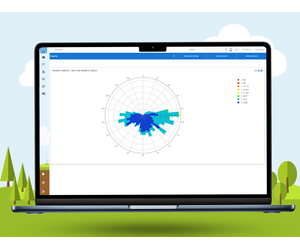
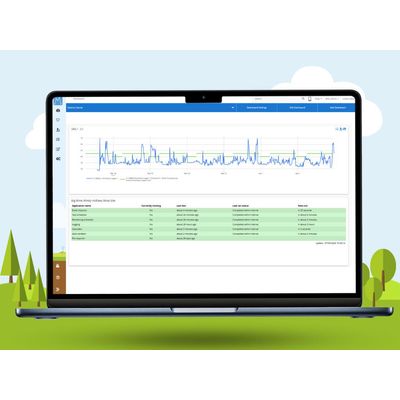
Calendar views, to highlight compliance warnings, tasks and monitoring programmes. Clearly see the status of individual tasks or those associated with a specific obligation. Modern graphical outputs including line, bar and pie charts. Charts can be added to user defined dashboards simply and easily to create real time data displays.
Link a mailbox and allow MP-Web to automatically check emails. Create rules for different data streams and MP-Web will automatically strip attachments from emails and import into the database.
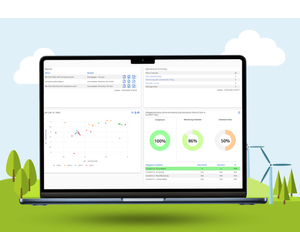
Dynamic customisable dashboards showing a variety of widgets, with reports, graphs, and mapping available. A range of standard and custom exports, including common regulatory uploads such as Ontario’s MEWS and British Columbia’s EMS.
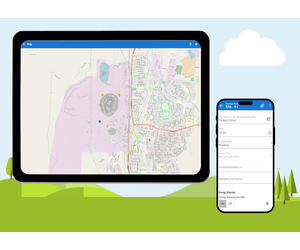
MP-Field in MonitorPro means you can easily enter data out in the field on any modern smart device, even when you don’t have network connectivity. Once you are connected to the network, the monitoring data will be uploaded to the database.
Reduce the risk of manual data input errors during field data collection with data validation automatically highlighting unusual or data above compliance limits even when offline, and through input options including drop down lists and date pickers. It also means data is captured directly, removing the need for notebooks/other devices which then have to be transcribed from which could result in manual data input errors.