


TrendMiner - Contextualize Software
Capture: All kinds of events may impact operational performance. Capturing and combining critical events with time series analytics will shed new light on your production process. This context helps you shift performance to the next gear.
Unlock
Illuminate your time-series data with context, to get an clear view on operational behaviour. Contextual information may reside in various data silos, such as your LIMS, MMS or OEE system.
Decide
Captured contextual information can be leveraged for data driven decisions in the control room and can be the starting point for continuously improving operational excellence through self-service analytics.
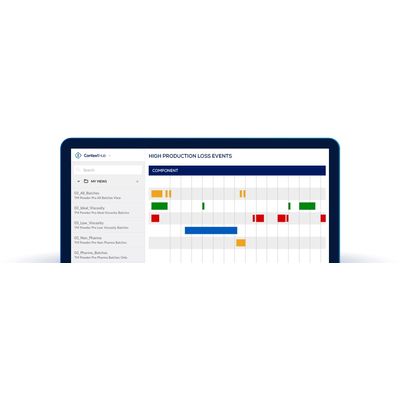
All events automatically captured or manually entered can be managed as context items in TrendMiner’s ContextHub. With use of fingerprints and monitors, the context items can be captured and help speeding up the search and filter actions in time-series trend data.
Context items allow commenting for discussion with internal experts to facilitate global collaboration and knowledge sharing.
The context items can be classified by type and each could have specific notifications for control room personnel to take appropriate action.
TrendMiner’s integration with OSIsoft Asset Framework, enables out-of-the box access to both historical and new Event Frames for OSIsoft PI System users and others. These ecosystem synergies give OSIsoft customers a much easier way to gain access to Event Frames information, click through the related information, and kick-start their discovery and diagnostic analysis to continuously improve operational excellence.
As the digitization of organizations continues, more business-critical information sources are available, but often remain in silos. TrendMiner’s ContextHub brings all this information together in its self-service analytics platform, enabling true data-driven decisions for improving overall profitability. Engineers can see which plant assets experience the most downtime, by easily gathering available data and analyzing the worst performer, allowing decisions to be based on data and reducing the reliance on a best guess.
Being able to search for context items gives users the power to actively employ gathered context as part of the TrendHub analysis itself. Through saved ContextHub views users can visualize, filter or overlay time periods in TrendHub. In this way context items become a rapid starting point for trend analysis, and facilitates filter requirements through all-time series data. This effectively speeds up root cause analysis or if needs be, create new fingerprints and monitors which can be used to send notifications to the control room and adjust process parameters when necessary.