

Agilaire - Calibrator and Instrument Tracking System
Technical System Audit? Bring it on. When a data set is called into question, it is important to be able to quickly correlate instrument and equipment histories: Which exact instrument was used at a site during a particular time/event? Which exact calibrator (serial number, certification date) was used for a certain QA activity?. AirVision’s CATS Asset Tracking Module gives you the ability to track history of instruments, loggers, and other devices, as well as schedule and track regular scheduled tasks.
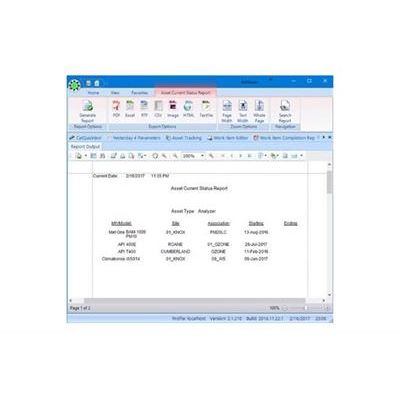
Assets are created with user-entered properties (date entered service, serial numbers, asset tags), and then can be tracked as they are moved from site to site. Reports can show the history of a particular device, or from the perspective of the site (which make / model / serial number analyzers were used over the years to measure PM25 or ozone at a particular site). The system can be used to track analyzers, loggers, or other key equipment (calibrators, flow audit kits, etc.).
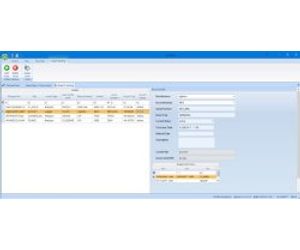
Asset moves and completed work items are automatically entered into and indelible E-Logbook, meeting current USEPA guidelines for electronic logbooks.
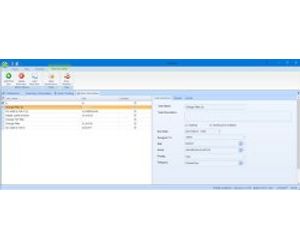
Activities can be scheduled and assigned to users, and associated with defined assets. E-mail reminders can be sent for due or overdue activities.
The Asset management tools can be accessed via the 8872 menu and synchronized with the Central Server.
No expensive monthly fee.
- Instrument / Part Templates
- Individual Component Tracking
- Denote Analyzer Condition, Retirement
- Track Bottle Expirations and Recertification Events
- Track Bottle Pressure Inspections
- Activity Tracking by User, Due Date, Site
- Schedule Repeating Tasks with Email Notification
- Server-based Summary Reports
- Bidirectional Data Synchronization
- Input Forms with pull-down pick lists
- Comment Fields with Each Record
- Automatic E-Logbook Entry