Earthfx Incorporated
- Home
- Companies
- Earthfx Incorporated
- Software
- Viewlog - Log Editor Software
Viewlog - Log Editor Software
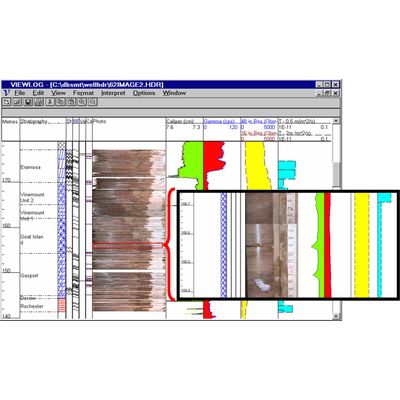
The Log Editor includes functions to edit, display and interpret a variety of borehole measurements, such as geological description, core photos, lithology symbols, well construction details and geophysical logs.
Most popular related searches
geophysics logging
borehole logging
well construction
borehole
borehole monitoring
geophysics
scaling control
Features include:
- Data Display
- All aspects of log display and scaling are under user control
- Log Editing
- There are powerful features for stretching, smoothing, trimming, re-sampling, averaging and linking logs. Data can be edited point-by-point, if necessary.
- Log Calculations
- Users can write log-processing equations to generate new logs or to correct existing ones.
- Lithologic Interpretation
- You can create multiple columns of contact lines and text interpretation to display beside the logs.
- Lithological symbols can be customized.
- Templates
- You can set up log templates such that boreholes can be displayed in a consistent manner for (i) cross section, (ii) 3D, and (iii) Preview mode for individual borehole logs.
- Cross Plotting
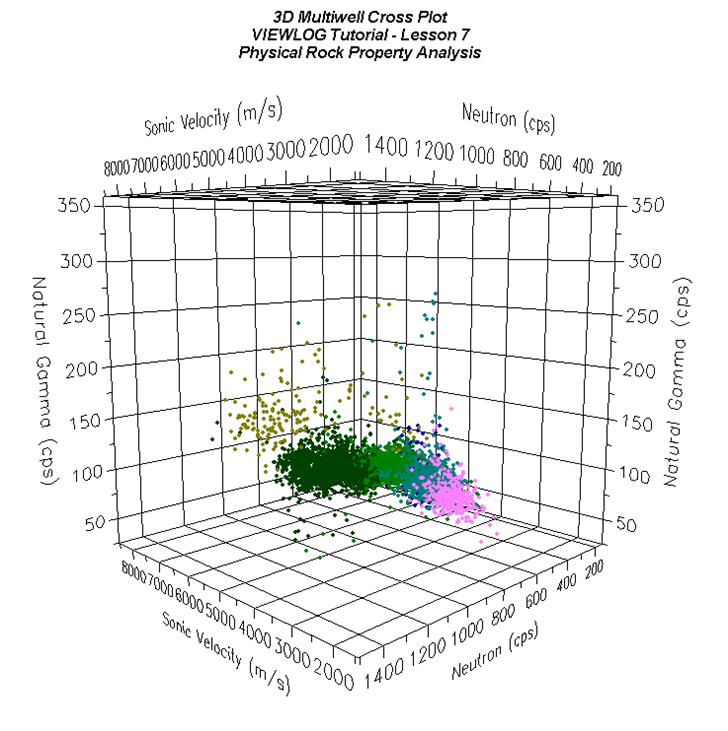
- You can cross plot any two logs with any combination of linear and logarithmic scaling. Polygons can be drawn on a cross plot to identify depth intervals
- Z plots
- Select a third lot for classifying the symbols on a plot to create a Z-plot. Use symbols or numbers to identify the Z-log value and combine it with polygons to identify depth intervals.