


Earthfx Incorporated software
VL-GSFlow - Pre and Post-Processor for Distributed-Parameter Groundwater/Surface Water Model
VL-GSFlow is a pre– and post-processor for the GSFlow distributed-parameter groundwater/surface water model. GSFlow, a well-documented, open-source model developed by the U.S. Geological Survey and first released in the spring of 2008. GSFlow integrates the USGS MODFLOW groundwater model and USGS PRMS surface water model to providing a fully integrated modeling system.
Viewlog
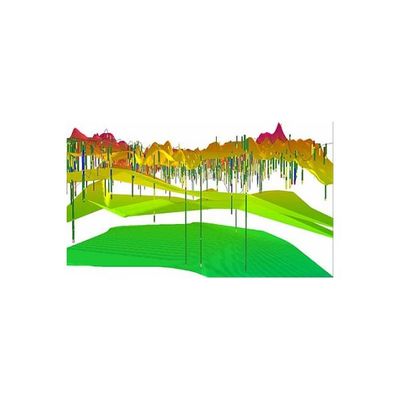
Viewlog 3D GeoExplorer - Three-Dimensional Visualization Software
The 3D GeoExplorer (an add-on module for VIEWLOG GIS and PRO) can be used to create a three-dimensional visualization of your VIEWLOG geologic model. When activated, the 3D GeoExplorer opens as a new window, and can remain open while you continue to edit your basemap and/or cross sections. Gridded data, such as a digital elevation model (DEM), or subsurface layers (e.g., aquifer, aquitard, or bedrock surfaces) can be displayed in 3D. Layers can be set as semi-transparent.
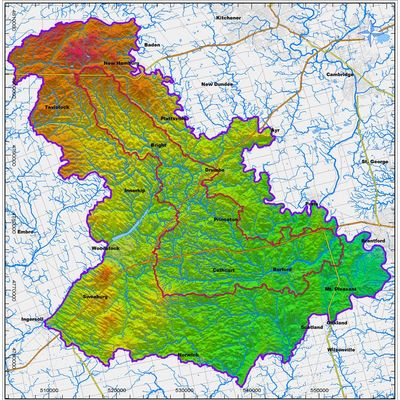
Viewlog - Map Editor Software
The Map Editor includes tools that combine the key features of GIS, CAD and image processing into an integrated tool for geoscientists. Key objects are managed as high-level, 3D ‘geo-objects, with integrated analysis functions.
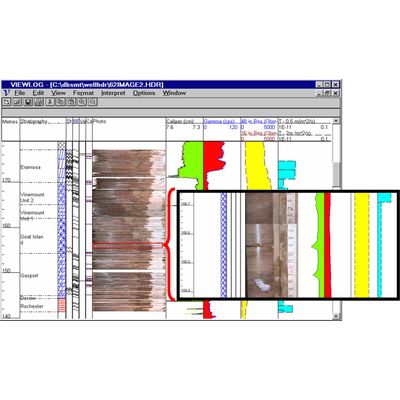
Viewlog - Log Editor Software
The Log Editor includes functions to edit, display and interpret a variety of borehole measurements, such as geological description, core photos, lithology symbols, well construction details and geophysical logs.
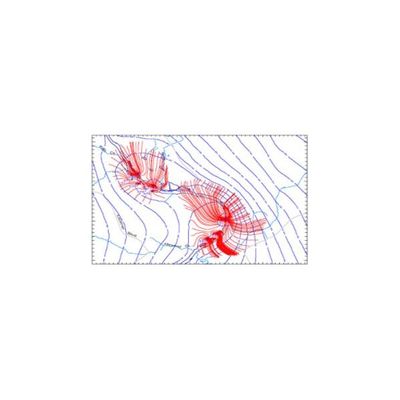
GSFLOW - Management Module
The GSFLOW Management Module for VIEWLOG provides a complete set of pre– and post-processing functions for the U.S.G.S. GSFLOW and integrated groundwater flow model. The GSFLOW module is fully integrated with VIEWLOG and it builds on the Well Database, geologic modeling, mapping, cross section and 3D tools within VIEWLOG, adding Time Series analysis of observations and outputs and full transient animations.
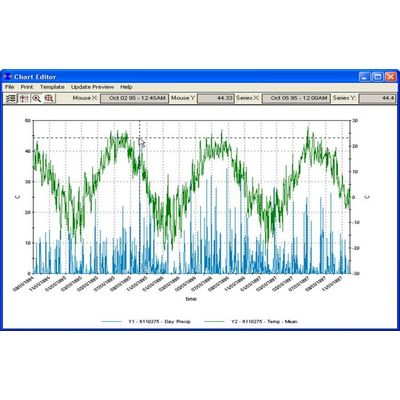
Earthfx - Data Retrieval Software
A sophisticated query builder helps find and filter temporal data before presentation.
SiteFX
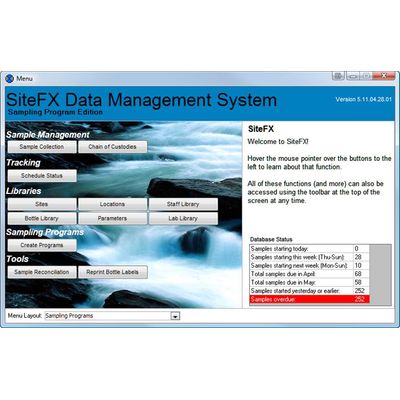
SiteFX - Data Management System
SITEFX is a data management system designed for managing, tracking and analyzing complex water systems and environmental monitoring programs. SiteFX can track sample collection, pumping and production data, water chemistry, water levels, surface water and climate data in a single integrated database environment. SiteFX can operate independently, with your existing systems, or as part of the EarthFX Data Centre, a suite of desktop and web based management tools.
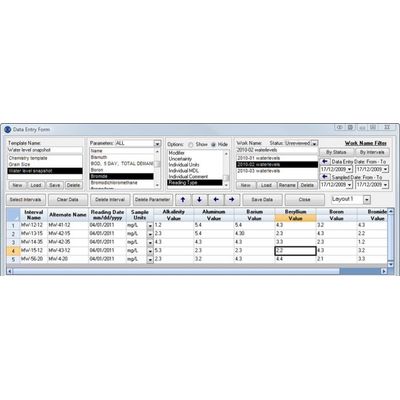
SiteFX - Data Entry, Importing and Editing Software
Data can be loaded into your database in various ways: Data entry forms. Automated & configurable data importers (lab data, data loggers, production, rainfall, etc). Direct linking to existing systems. New data are stamped with a username and date stamp, important data modifications are automatically backed up. All data is automatically converted to a user-defined consistent naming and unit convention.
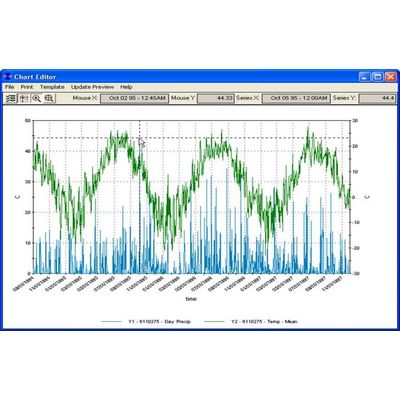
Earthfx - Data Validation and Quality Software
The underlying data model ensures ‘referential integrity’, meaning all data must link back to the master list of sample locations — no ‘orphaned’ data. User-defined look-up tables ensure consistency by allowing users to pick from lists (e.g., units) instead of typing ‘free text’. The quality assurance (QA) functions in SiteFX check that the data in the database are robust and ready for analysis.
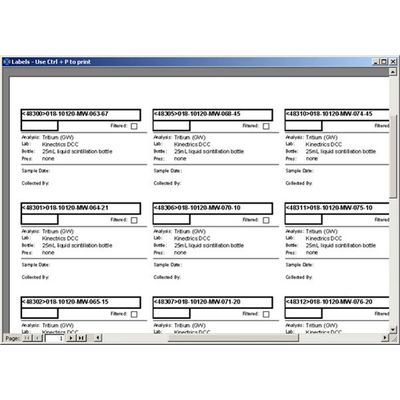
SiteFX - Sampling Program Manager Software
The Sampling Program Manager is a SiteFX module that ensures a closed loop process, from sampling requirements to sample collection to sample results.